
“I made my turtle dance!”Madison, 9

Create games, explore projects, and learn step-by-step through play

Snap together real code ideas without typing syntax first.

Run your program and watch sprites and motion come alive.

Step through lessons built for kids, clear goals and quick wins.

Share projects, celebrate progress, and grow skills.
The Workspace
A fun, all-in-one space to learn, build, and explore.
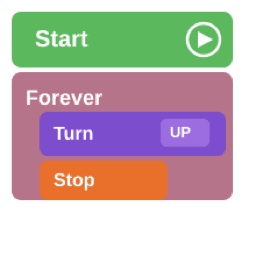
Snap blocks together like puzzle pieces. No typing stress — just ideas and logic.
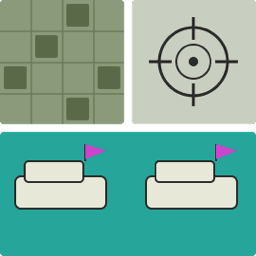
Make characters move, add sounds, and see your game on the canvas in seconds.
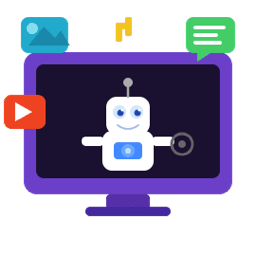
Explore fun adventures and projects designed for curious young creators.
Blocks turn big ideas into small steps kids can see and rearrange. They practice logic and sequencing first, then level up when they're ready for more. Every run on the canvas is instant feedback, celebrate what works, tweak what doesn't, and try again.
Block coding removes typing and spelling errors, so kids focus on thinking like a programmer instead of memorizing code rules.
Kids connect blocks like puzzle pieces, which helps them clearly see how sequences, loops, and conditions work together.

It encourages trial and error without breaking code, so kids can explore ideas freely and learn from instant feedback.

Kids see results fast, helping them stay motivated and build confidence as they create and improve their projects.
Ollie Code is a fun, interactive learning space where kids learn real coding skills by doing, not just reading or watching. Instead of typing long lines of code, they use simple drag-and-drop blocks to build games, solve challenges, and bring their ideas to life.

Ollie Code turns coding into a visual, hands on experience. Instead of memorizing syntax, kids snap blocks together, experiment freely, and learn by doing, building confidence from the very first click.

Kids don’t just follow instructions. They create. From games to animations, Ollie Code helps young learners explore ideas, solve problems, and bring their imagination to life.

No waiting, no guessing. Every action shows up instantly on screen, helping kids understand cause and effect while staying engaged and motivated.
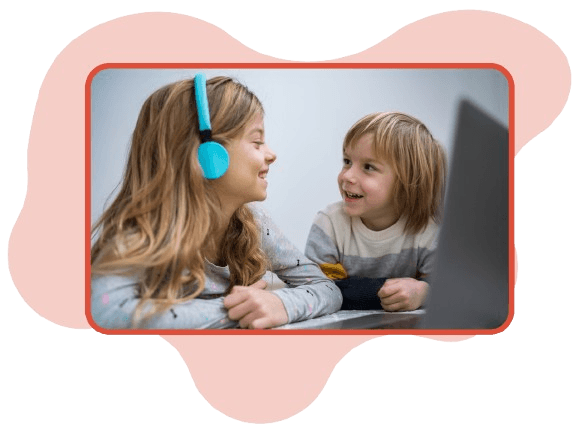
Guided lessons provide just the right amount of direction, while open ended projects encourage exploration, so kids can learn at their own pace without feeling stuck or overwhelmed.
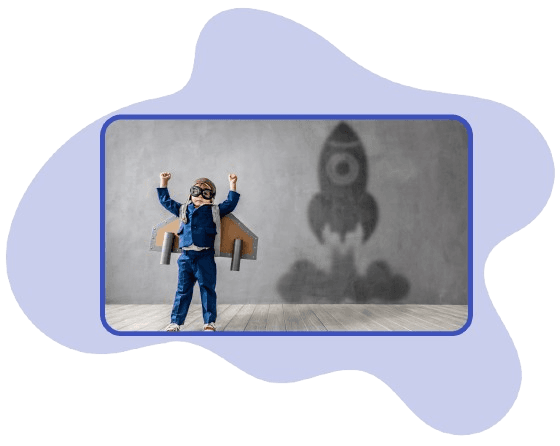
Everything lives in one simple, colorful workspace for coding, building, and creating, so kids stay focused on learning instead of navigating complicated tools.
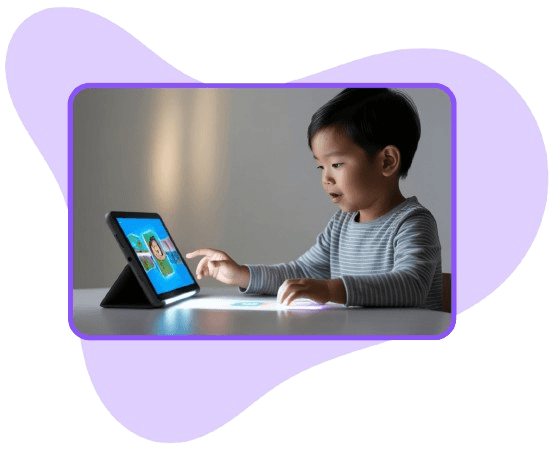
Ollie Code is tailored specifically for young creators, balancing fun and foundational skills to prepare them for the future, without ever feeling like school.

We believe every young creator deserves a joyful place to learn real skills: logic, persistence, and imagination, without the pressure of perfect typing or adult-sized tools.
Ollie Code meets kids where they are: playful lessons, a friendly canvas, and room to experiment so families and educators can cheer on progress, not manage frustration.
What young creators are saying about learning and building with Ollie Code.
“I made my turtle dance!”Madison, 9

“I created a dancing robot!”Nicholas, 11

“I like when I press Run and it actually moves.”Jordan, 8

“I created my own adventure!”Matthew, 10
“Coding feels like playing with toys.”Casey, 9
“I made my turtle dance!”Madison, 9
“I created a dancing robot!”Nicholas, 11
“I like when I press Run and it actually moves.”Jordan, 8
“I created my own adventure!”Matthew, 10
“Coding feels like playing with toys.”Casey, 9
Quick answers for families and educators. Tap a question to open it — everything stays on one page so you can skim or dig in without losing your place.
Ollie Code is built for kids about 7–13. Younger learners can explore with a grown-up nearby; older tweens still enjoy the block-based workspace while leveling up their logic skills.
No. Projects use drag-and-drop blocks, so kids focus on ideas and sequencing instead of spelling or syntax. Typing can come later when they’re ready.
A recent version of Chrome, Edge, Firefox, or Safari on a laptop, Chromebook, or desktop works best. A mouse or trackpad helps on the canvas; tablets can work but a larger screen is nicer for the block palette.
Families or schools create an account so progress and projects can be saved. Your organization’s flow (for example, parent approval) may vary — follow the prompts on sign up.
Yes. Learners can follow guided lessons and adventures while still experimenting freely in the workspace. Staff and teachers can publish or assign content depending on your program setup.
Use the “Have a question?” button on this site to send us a note, or reach out through your school or program contact if you’re joining through an organization.
Be part of a community of young creators building, coding, and exploring.